
Website Security Basics Every Business Needs in 2026
Learn essential website security basics for businesses, including SSL, strong passwords, backups, malware protection, software updates, and secure hosting.
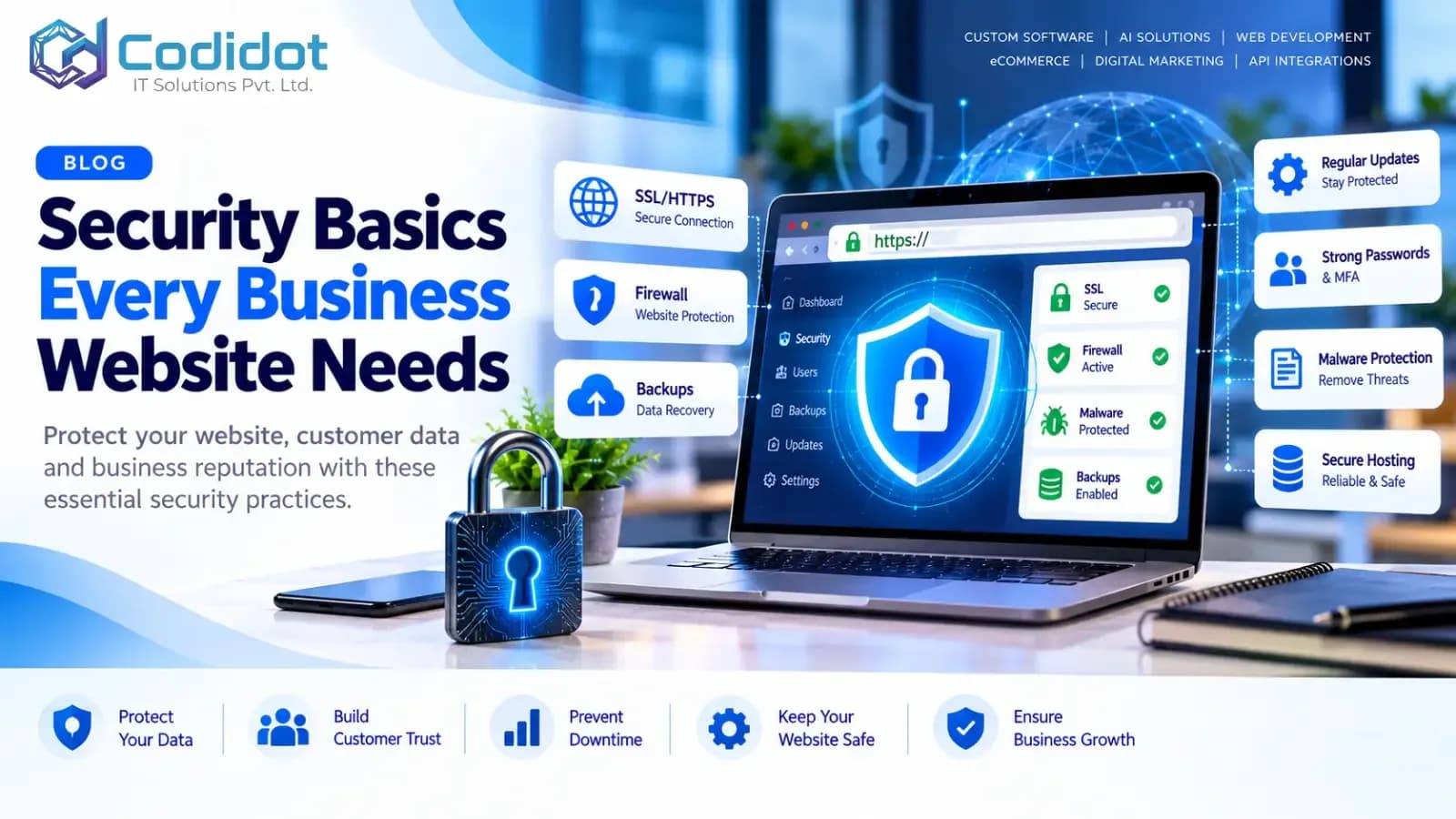
Security Basics Every Business Website Needs in 2026
A practical guide to protecting your website, customer data, and business reputation.
Your business website is more than an online presence. It represents your brand, connects you with customers, collects enquiries, and may process sensitive information. But without proper security, it can become vulnerable to hackers, malware, data theft, spam, and unexpected downtime.
Whether you run a corporate website, WordPress website, ecommerce store, or custom web application, website security should be a priority from day one.
In this guide, we’ll explore the essential website security measures every business needs and how to build a safer online presence.
Why Is Website Security Important for Businesses?
A compromised website can affect your business in several ways:
Loss of customer trust: Visitors may hesitate to share information or make purchases.
Financial losses: Website downtime and recovery can disrupt sales and operations.
Data exposure: Poor security can put customer and business information at risk.
SEO and reputation damage: Malware warnings and hacked pages can harm your brand and search visibility.
Operational disruption: Attackers may damage website files, misuse accounts, or interrupt services.
Good security reduces these risks and helps your business maintain a reliable online presence.
10 Essential Website Security Basics Every Business Needs
1. Install an SSL/TLS Certificate
An SSL/TLS certificate enables HTTPS, helping encrypt information exchanged between your website and its visitors.
Without HTTPS, sensitive information may be exposed to interception while in transit.
What you should do:
Enable HTTPS across your entire website.
Redirect HTTP URLs to their HTTPS equivalents.
Renew certificates before they expire.
Fix mixed-content warnings.
Ensure forms and login pages use secure connections.
HTTPS is an essential security measure, but it does not protect a website against every type of attack.
2. Use Strong Passwords and Multi-Factor Authentication
Weak or reused passwords can make it easier for attackers to gain unauthorized access to your website administration panel, hosting account, email, or content management system.
Follow these practices:
Use long, unique passwords for every account.
Store passwords in a reputable password manager.
Enable multi-factor authentication (MFA) wherever available.
Avoid shared administrator accounts.
Remove access when employees or contractors no longer need it.
For WordPress websites, protect administrator accounts carefully because they can control themes, plugins, users, and website content.
3. Keep Your Website Software Updated
Outdated software can contain known security vulnerabilities. Attackers may target outdated content management systems, plugins, themes, frameworks, server software, and libraries.
Your maintenance checklist:
Update WordPress core, plugins, and themes.
Upgrade frameworks and dependencies after compatibility testing.
Remove unused themes, plugins, and packages.
Apply important security patches promptly.
Test updates on a staging website when possible.
Avoid installing software from untrusted sources. Before major updates, create a verified backup and prepare a recovery plan.
4. Schedule Automatic Backups
Backups help your business recover if a website is hacked, files are deleted, a deployment fails, or a server becomes unavailable.
However, having a backup is not enough. You must also know that it can be restored successfully.
Recommended backup practices:
Back up website files and databases.
Automate backups according to how frequently your website changes.
Keep copies in a separate, secure location.
Restrict access to backup files.
Retain multiple recovery points.
Test restoration periodically.
For ecommerce websites and applications that process frequent transactions, backup frequency should reflect the amount of data your business can afford to lose.
5. Choose Secure Website Hosting
Your hosting environment plays an important role in website security. Even well-developed websites can face risks if their servers are poorly maintained or improperly configured.
Look for hosting that provides:
Regular operating system and server security updates.
Secure account access and permission controls.
Malware detection or monitoring options.
Reliable backup and recovery facilities.
Firewall and DDoS protection appropriate to your needs.
Clear incident-response and support procedures.
Also secure your domain registrar, DNS provider, hosting dashboard, and business email accounts. These services can provide powerful access to your online presence.
6. Protect Your Website Against Malware and Common Attacks
Websites may be targeted through malicious uploads, vulnerable plugins, injection flaws, automated login attempts, or other application weaknesses.
Use security controls appropriate to your website and its functionality.
Important measures include:
Configure a web application firewall (WAF) where appropriate.
Apply rate limits to login and sensitive endpoints.
Validate and sanitize user input.
Use parameterized database queries to help prevent SQL injection.
Encode output appropriately to reduce cross-site scripting (XSS) risks.
Restrict file uploads by type, size, and permitted content.
Disable unnecessary services and features.
A security plugin can help with certain tasks, but it cannot replace secure development, server configuration, and ongoing maintenance.
7. Limit User Permissions and Administrative Access
Not every employee needs full control of your website. Excessive permissions increase the potential damage caused by compromised accounts or mistakes.
Best practices:
Give users only the permissions needed for their roles.
Use separate accounts instead of sharing administrator credentials.
Review user access regularly.
Remove inactive and former employee accounts.
Protect staging environments and deployment credentials.
Store API keys and secrets securely, outside publicly accessible code.
This approach follows the principle of least privilege: each account should have only the access it needs.
8. Secure Contact Forms and Customer Data
Contact forms, registration pages, appointment bookings, and checkout processes often collect personal information.
Businesses should collect only the information they need and protect it throughout its lifecycle.
Secure your forms by:
Using HTTPS.
Validating submitted data on the server.
Applying spam and abuse protection.
Preventing unauthorized access to submissions.
Restricting who can export or view customer information.
Avoiding the collection of unnecessary sensitive data.
Defining suitable data retention and deletion practices.
If your website accepts online payments, use a reputable payment provider and follow applicable payment-security requirements. Never store payment card details unnecessarily.
9. Monitor Your Website for Suspicious Activity
Website security is an ongoing process. Monitoring helps you identify unusual activity and respond before an issue becomes more serious.
Monitor important events such as:
Repeated failed login attempts.
Unexpected administrator accounts.
Changes to critical files.
Unusual traffic spikes.
Malware alerts and suspicious redirects.
Unexpected server errors.
Changes to DNS or domain settings.
Keep logs protected against unauthorized modification, configure useful alerts, and establish a process for investigating security warnings.
10. Create a Website Security and Recovery Plan
Even with strong preventive controls, no website can be guaranteed completely secure. A response plan helps your business act quickly when something goes wrong.
Your plan should explain how to:
Identify and contain a security incident.
Restrict compromised accounts and credentials.
Preserve relevant logs and evidence.
Restore a clean website from verified backups.
Patch the underlying vulnerability.
Assess whether personal or business data was exposed.
Notify affected parties or authorities when legally required.
Review the incident and improve security controls.
For business-critical websites, define responsibilities in advance and test the recovery process periodically.
Website Security Checklist for Business Owners
Use this checklist to review your current website security.
HTTPS is enabled across the website.
Strong passwords and MFA are enabled for important accounts.
Website software and dependencies receive timely security updates.
Automated backups are stored securely and restoration is tested.
Hosting, domain, DNS, and email accounts are protected.
Administrator access is limited to authorized users.
Forms and application inputs are validated securely.
Malware detection and relevant security monitoring are configured.
Logs and security alerts are reviewed.
A documented incident-response and recovery plan exists.
Additional Security Considerations for WordPress Websites
WordPress is widely used for business websites, blogs, and ecommerce stores. Its security depends on the complete environment, including the WordPress core, themes, plugins, hosting, user accounts, and custom code.
For a safer WordPress website:
Use reputable, actively maintained plugins and themes.
Remove unused components instead of leaving them installed.
Restrict access to the WordPress administration area appropriately.
Use secure authentication and role-based permissions.
Configure backups before updates and major changes.
Keep PHP and server components on supported versions.
Review custom plugins and themes for security issues.
Use staging and controlled deployment practices for significant changes.
For WooCommerce stores, also review checkout security, payment integrations, customer-account permissions, and the handling of order data.
How Often Should You Review Website Security?
Your review schedule should reflect the complexity and business importance of your website.
Continuously: Automated monitoring, where available.
Regularly: Review alerts, backups, user accounts, and updates.
Periodically: Audit permissions, dependencies, hosting configuration, and recovery procedures.
After significant changes: Review new plugins, integrations, APIs, features, and deployments.
For higher-risk applications: Arrange security testing at a frequency appropriate to the application's risk and compliance requirements.
A simple brochure website and a high-traffic ecommerce platform do not necessarily need the same level of monitoring or testing.
Common Website Security Mistakes to Avoid
Avoid relying on a single security tool, using the same password across accounts, postponing security patches, keeping unused plugins installed, storing backups only on the production server, or assuming HTTPS makes a website fully secure.
Another common mistake is failing to test recovery procedures. A backup that cannot be restored may not help when your business needs it most.
How CODIDOT Can Help Secure Your Business Website
At CODIDOT IT Solutions Pvt. Ltd., we help businesses build, maintain, and improve their digital presence through web development, WordPress and ecommerce solutions, API integrations, and related technology services.
A suitable website security plan may include:
Website security and configuration reviews.
WordPress and ecommerce maintenance.
Software updates and backup planning.
Performance and technical issue assessment.
Secure development practices for custom features and API integrations.
Ongoing maintenance recommendations based on your website's needs.
The right solution depends on your technology stack, business requirements, and risk profile. No single tool or service can guarantee complete protection, but a layered security approach can substantially improve resilience.
Need help reviewing your business website security?
Visit https://codidot.com to learn more about CODIDOT's web development and technology services.
Email: [email protected]
Phone: +91 92203 59907
CODIDOT — Build. Market. Grow.


